Logitech Usb Unifying Receiver
₦8,100.00
1 in stock
1 in stock
Logitech Usb Unifying Receiver
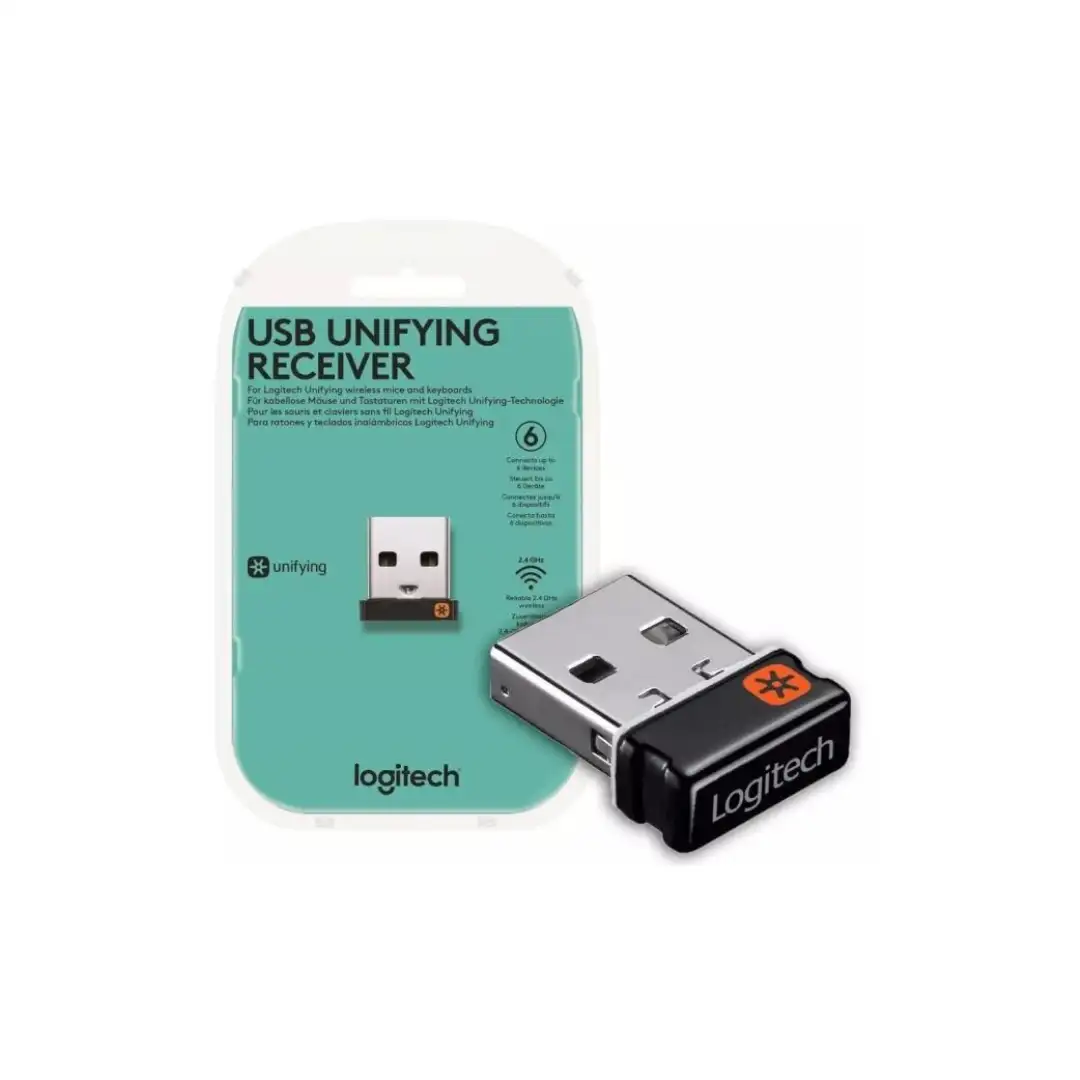
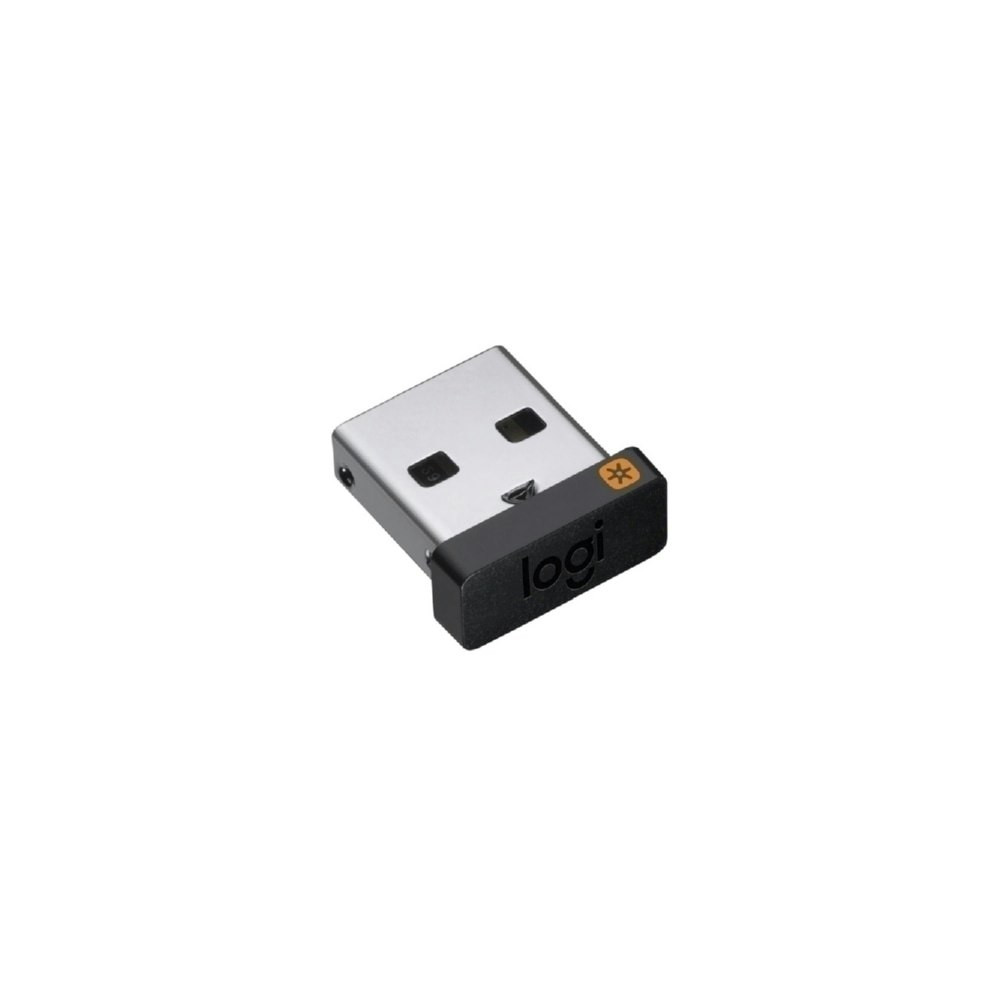
The Logitech USB Unifying Receiver is a compact 2.4 GHz USB-A dongle that allows you to connect up to six compatible Logitech wireless mice and keyboards to a single computer. It is designed as a “set-and-forget” solution, being small enough to stay plugged into a laptop without needing to be removed during travel.
- Device Capacity: Supports up to 6 devices simultaneously.
- Wireless Range: Provides a stable connection up to 33 feet (10 meters).
- Portability: Extremely small dimensions, measuring approximately 15 mm x 9 mm x 6 mm and weighing just 1.23 g.
- Compatibility: Works with Windows (7, 8, 10 or later), macOS (10.10 or later), Linux, and ChromeOS.
- Identification: Compatible devices are marked with an orange six-point star logo
- Insert Receiver: Plug the dongle into an available USB-A port on your computer.
- Download Software: Logitech recommends using the Logi Options+ app for pairing and customization.
- Pair Devices: Open the software, select “Add Devices,” and turn your mouse or keyboard off and then back on to initiate the connection.
- Legacy Support: For older systems, the original Logitech Unifying Software can still be used, though it is no longer actively maintained.Â
1 in stock
Unbeatable offers
Black Friday Blowout!
Specification
Overview
Processor
Display
RAM
Storage
Video Card
Connectivity
Features
Battery
General
Description
Logitech Usb Unifying Receiver
The Logitech USB Unifying Receiver is a compact 2.4 GHz USB-A dongle that allows you to connect up to six compatible Logitech wireless mice and keyboards to a single computer. It is designed as a “set-and-forget” solution, being small enough to stay plugged into a laptop without needing to be removed during travel.
- Device Capacity: Supports up to 6 devices simultaneously.
- Wireless Range: Provides a stable connection up to 33 feet (10 meters).
- Portability: Extremely small dimensions, measuring approximately 15 mm x 9 mm x 6 mm and weighing just 1.23 g.
- Compatibility: Works with Windows (7, 8, 10 or later), macOS (10.10 or later), Linux, and ChromeOS.
- Identification: Compatible devices are marked with an orange six-point star logo
- Insert Receiver: Plug the dongle into an available USB-A port on your computer.
- Download Software: Logitech recommends using the Logi Options+ app for pairing and customization.
- Pair Devices: Open the software, select “Add Devices,” and turn your mouse or keyboard off and then back on to initiate the connection.
- Legacy Support: For older systems, the original Logitech Unifying Software can still be used, though it is no longer actively maintained.Â
Customer Reviews
Rated 0 out of 5
0 reviews
Rated 5 out of 5
0
Rated 4 out of 5
0
Rated 3 out of 5
0
Rated 2 out of 5
0
Rated 1 out of 5
0
Be the first to review “Logitech Usb Unifying Receiver” Cancel reply

Reviews
Clear filtersThere are no reviews yet.