PS 3 Wireless Game Pad Ash

4,700.00

174 in stock

174 in stock

PS 3 Wireless Game Pad Ash

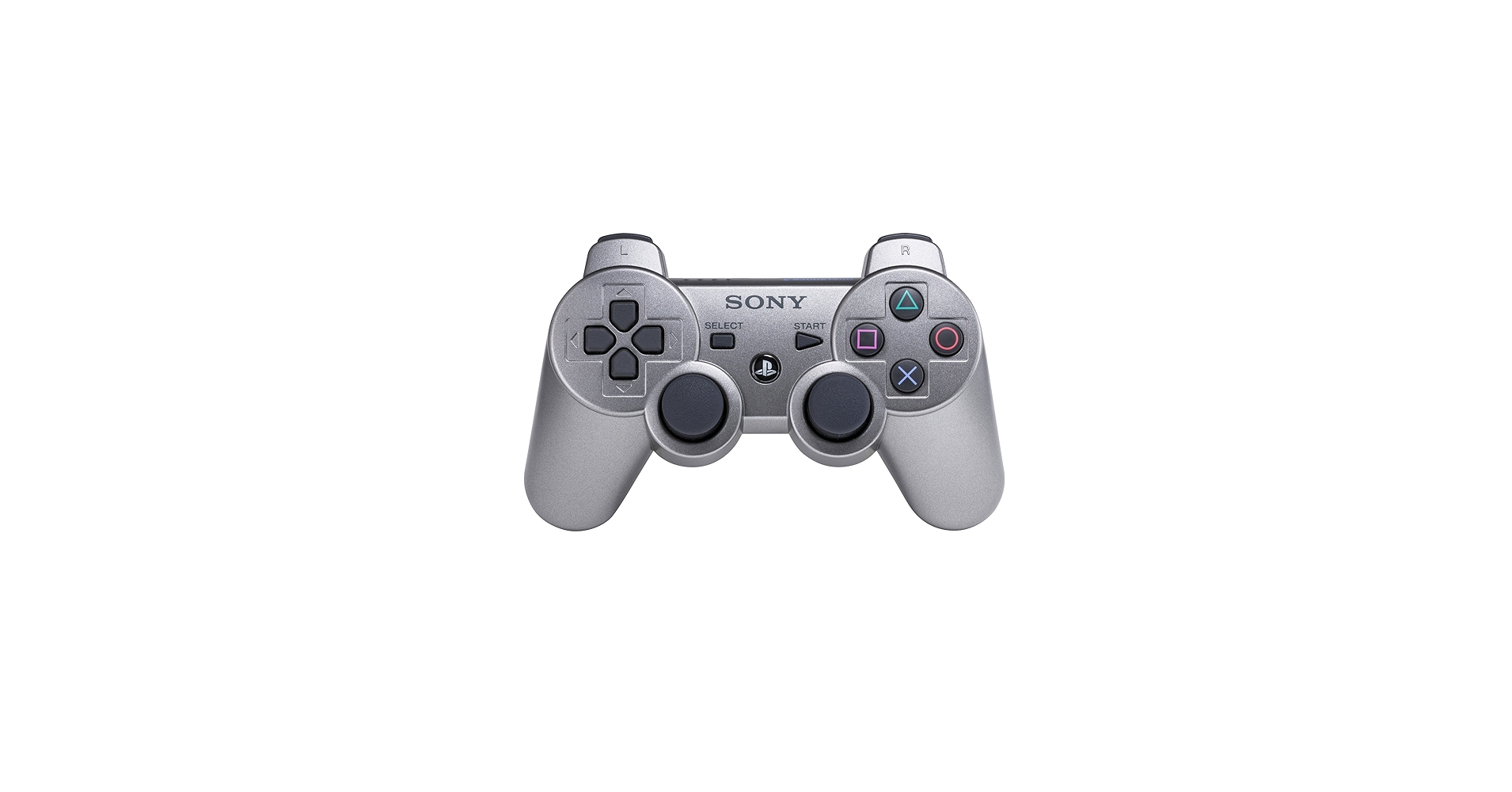
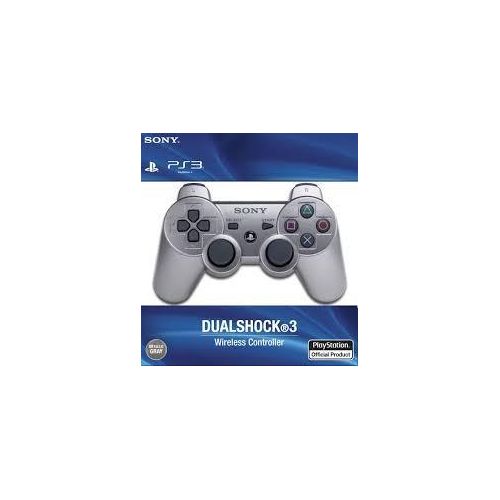
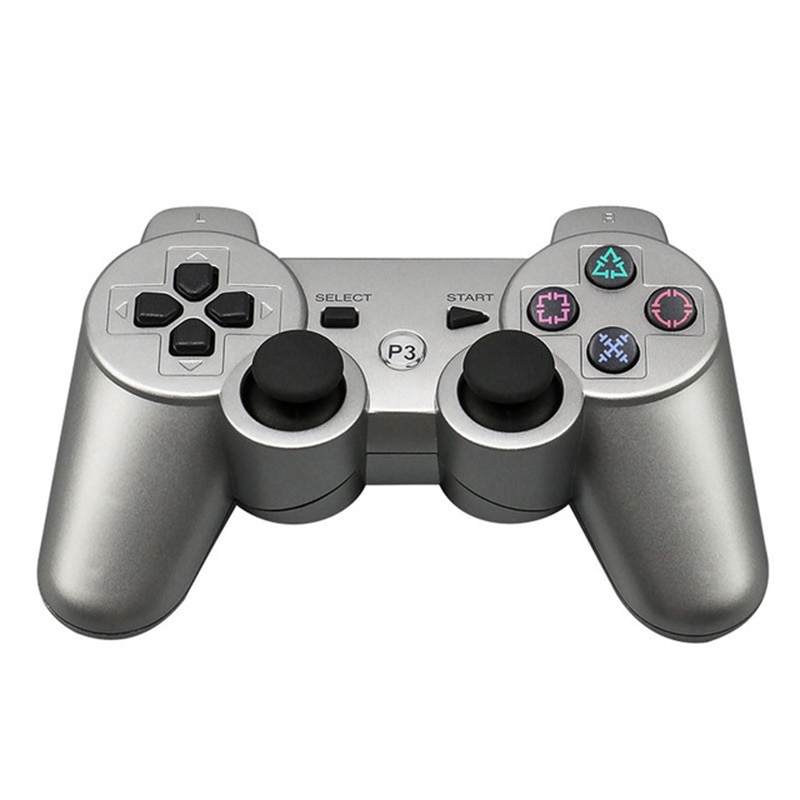
The Sony DualShock 3 Wireless Controller (the standard “Ash” or grey PS3 gamepad) combines precise input with motion tracking and haptic feedback. PS 3 Wireless Game Pad Ash core functionality is centered on providing an immersive experience across diverse game genres.
Key Features
  • SIXAXIS Motion Sensing: A 6-degree-of-freedom system that detects natural movements. You can tilt, shake, or steer the controller to influence in-game actions, such as steering a car or balancing a character.
  • DualShock Rumble Feedback: Two internal motors provide vibration during gameplay, making every hit, crash, or explosion feel more realistic in your palms.
  • Pressure-Sensitive Buttons: Most face buttons (Triangle, Circle, Cross, Square) and the D-pad detect how hard they are pressed, allowing for nuanced control like variable acceleration in racing games.
  • Wireless Connectivity: Uses Bluetooth technology for untethered play. The system can support up to seven wireless controllers simultaneously.
  • Rechargeable Battery: PS 3 Wireless Game Pad Ash features a built-in lithium-ion battery (typically 610mAh) that provides up to 30 hours of continuous playtime on a full charge.
Button Functions
Button Primary Function
PS Button Press to access the XMB home menu; hold to turn the controller or console on/off.
Analog Sticks (L3/R3) 360-degree movement and camera control; clickable for secondary actions.
L2 / R2 Triggers Analog “trigger-style” buttons used for precise tasks like aiming or accelerating.
D-Pad Used for precise directional input and menu navigation.
SELECT / START Used to pause games, open maps, or access in-game inventories.
Charging and Maintenance
  • Charging: Connect the controller to the PS3 console using a USB Mini-B cable. It can be charged while you play or while the console is on.
  • Syncing: To pair a new controller, connect it via USB and press the PS button; once the LEDs flash and stabilize, you can remove the cable for wireless use

174 in stock

Specification

Overview

Processor

Display

RAM

Storage

Video Card

Connectivity

Features

Battery

General

Description

PS 3 Wireless Game Pad Ash

The Sony DualShock 3 Wireless Controller (the standard “Ash” or grey PS3 gamepad) combines precise input with motion tracking and haptic feedback. PS 3 Wireless Game Pad Ash core functionality is centered on providing an immersive experience across diverse game genres.
Key Features
  • SIXAXIS Motion Sensing: A 6-degree-of-freedom system that detects natural movements. You can tilt, shake, or steer the controller to influence in-game actions, such as steering a car or balancing a character.
  • DualShock Rumble Feedback: Two internal motors provide vibration during gameplay, making every hit, crash, or explosion feel more realistic in your palms.
  • Pressure-Sensitive Buttons: Most face buttons (Triangle, Circle, Cross, Square) and the D-pad detect how hard they are pressed, allowing for nuanced control like variable acceleration in racing games.
  • Wireless Connectivity: Uses Bluetooth technology for untethered play. The system can support up to seven wireless controllers simultaneously.
  • Rechargeable Battery: PS 3 Wireless Game Pad Ash features a built-in lithium-ion battery (typically 610mAh) that provides up to 30 hours of continuous playtime on a full charge.
Button Functions
Button Primary Function
PS Button Press to access the XMB home menu; hold to turn the controller or console on/off.
Analog Sticks (L3/R3) 360-degree movement and camera control; clickable for secondary actions.
L2 / R2 Triggers Analog “trigger-style” buttons used for precise tasks like aiming or accelerating.
D-Pad Used for precise directional input and menu navigation.
SELECT / START Used to pause games, open maps, or access in-game inventories.
Charging and Maintenance
  • Charging: Connect the controller to the PS3 console using a USB Mini-B cable. It can be charged while you play or while the console is on.
  • Syncing: To pair a new controller, connect it via USB and press the PS button; once the LEDs flash and stabilize, you can remove the cable for wireless use

Customer Reviews

0 reviews
0
0
0
0
0

There are no reviews yet.

Be the first to review “PS 3 Wireless Game Pad Ash”

Your email address will not be published. Required fields are marked *