

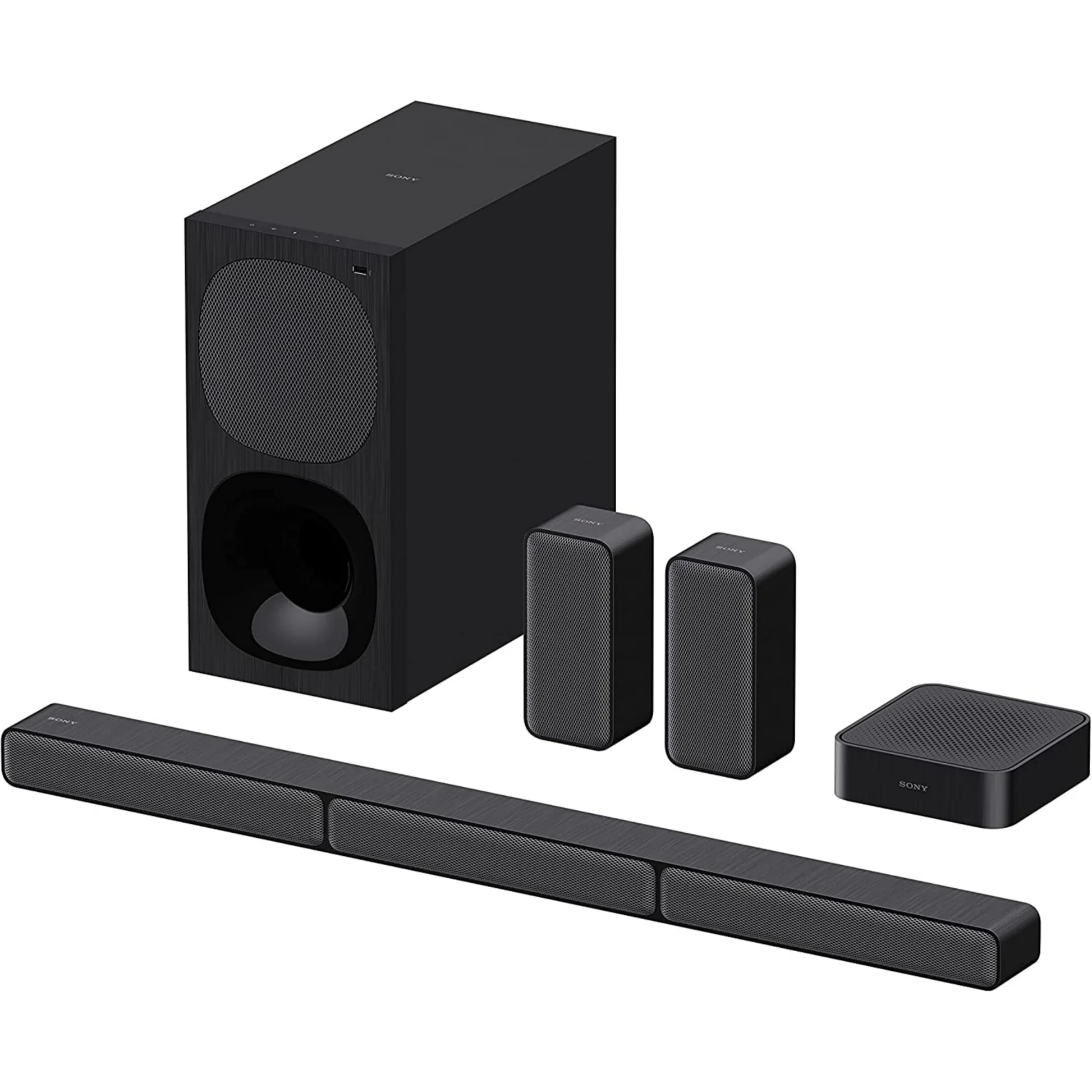
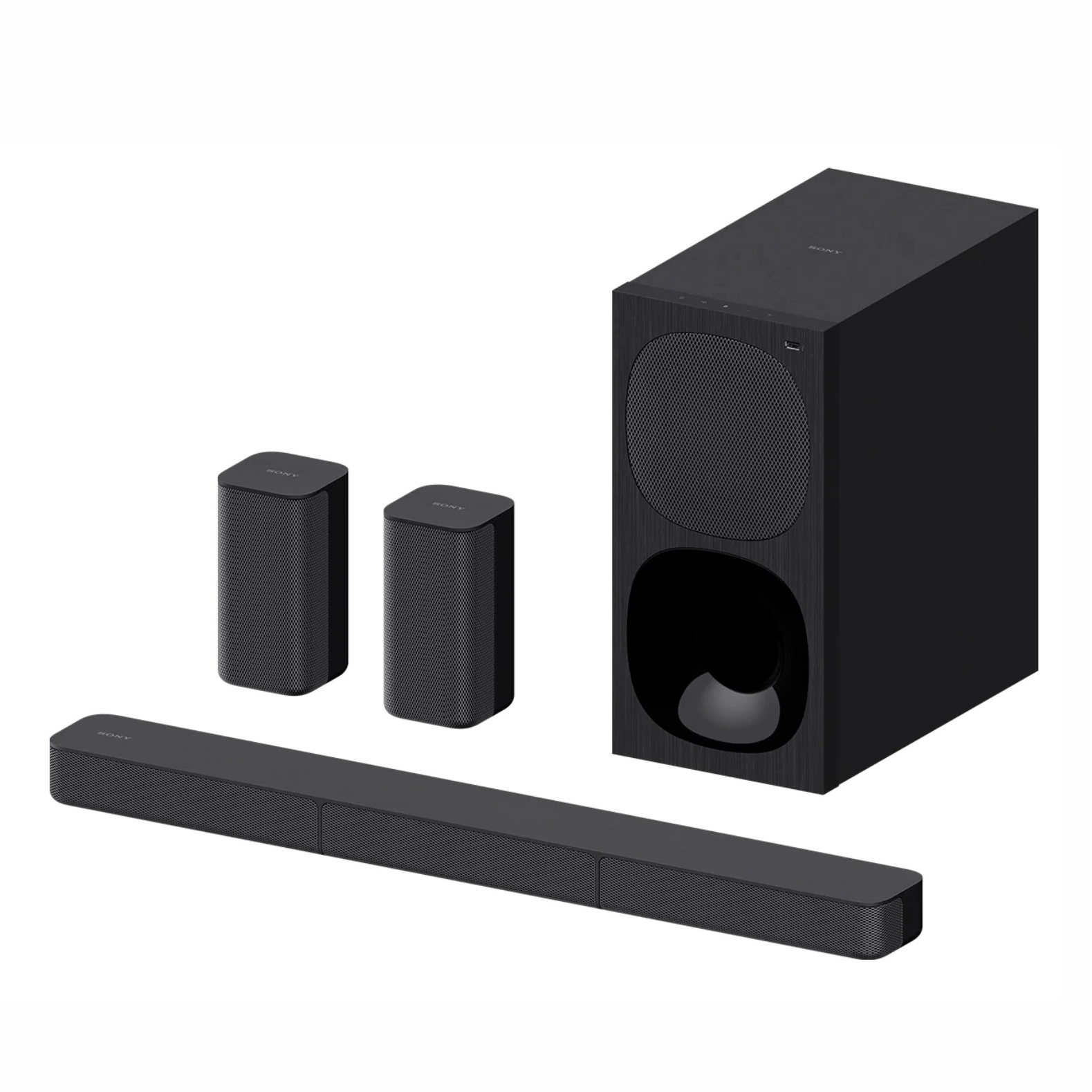

Sony HT-S20R/CAF1 Home Theater System
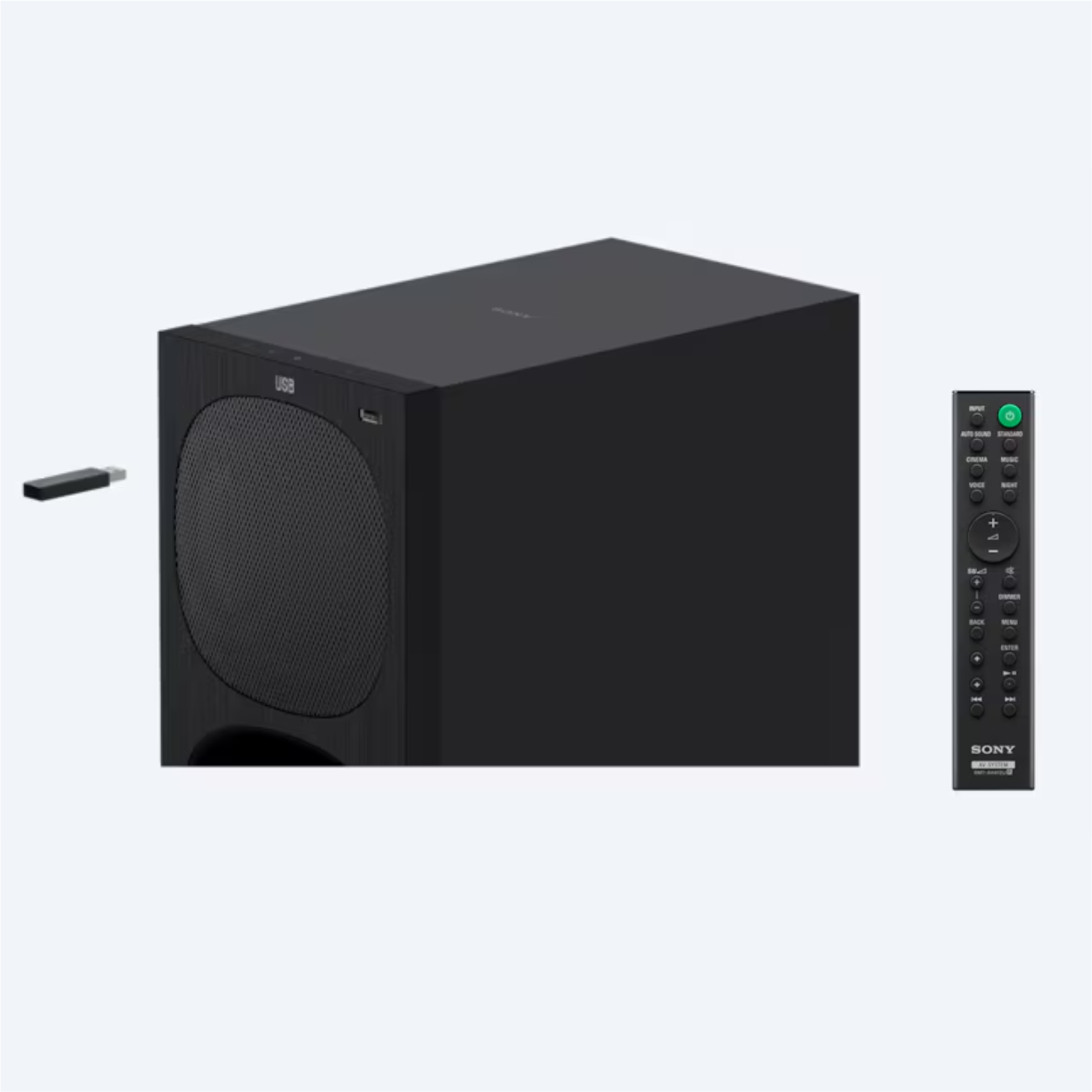
A button for every sound ? choose the one that’s right for whatever you’re watching or listening to. Take your pick from Auto, Standard, Cinema, Music, Night, and Voice modes and use subwoofer volume control to fine-tune your viewing experience.
 ? ??
? ?? 
Feel and hear the action all around you, as sound travels, Hear all the vividness and richness of your favorite music in fine detail.
behind you and draws you into the movie experience.


Whether it’s the morning news or a season finale, this mode tailors. Watching a movie at night? This function optimizes the sound balance so you can hear
sound settings to accentuate speech so you won’t miss a word everything clearly even at low volume levels.
It’s not all about movies and TV? you can easily play your favorite music through your sound bar too.
- USB port: Use the USB port to plug and play from a USB memory stick.
-
Bluetooth connectivity: Use Bluetooth technology to wirelessly stream music from your smartphone.
The HT-S20R is almost ready to go straight out of the box. Simply plug it in, wire up your main bar speaker and rear speakers via colour-coded connections, position your wired subwoofer and rear speakers, and enjoy 5.1 channels of real surround sound.


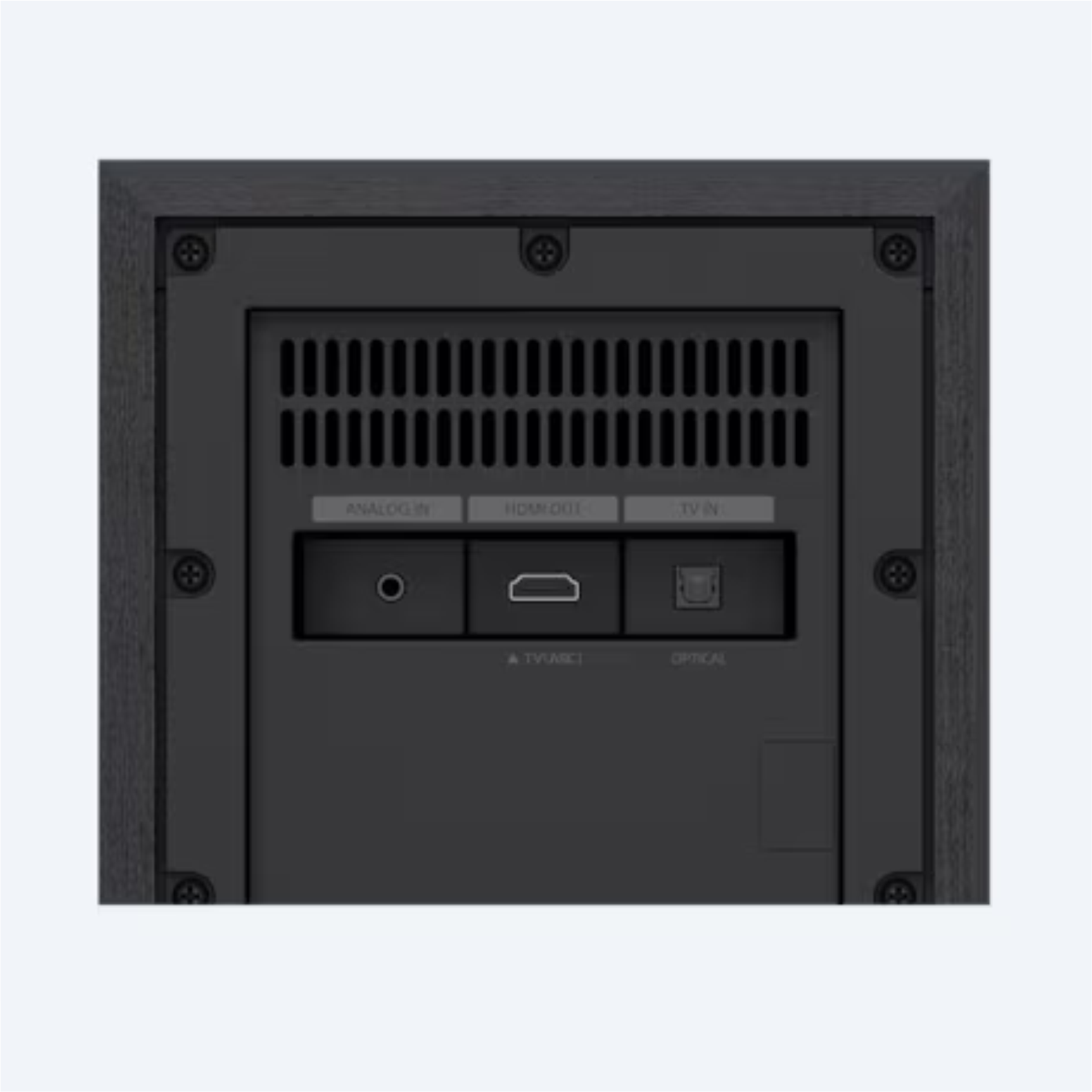
Connect to compatible TVs with a single cable, reducing Enjoy high quality sound for movies and more when an option, simply connect your TV using the analogue input.
cable clutter. you connect to the optical input.

 Overview

| Brand |
|---|
Processor

| Brand |
|---|
Display

| Brand |
|---|
RAM

| Brand |
|---|
Storage

| Brand |
|---|
Video Card

| Brand |
|---|
Connectivity

| Brand |
|---|
Features

| Brand |
|---|
Battery

| Brand |
|---|
General

| Brand |
|---|
Sony HT-S20R/CAF1 Home Theater System
A button for every sound ? choose the one that’s right for whatever you’re watching or listening to. Take your pick from Auto, Standard, Cinema, Music, Night, and Voice modes and use subwoofer volume control to fine-tune your viewing experience.
? ??
Feel and hear the action all around you, as sound travels, Hear all the vividness and richness of your favorite music in fine detail.
behind you and draws you into the movie experience.
Whether it’s the morning news or a season finale, this mode tailors. Watching a movie at night? This function optimizes the sound balance so you can hear
sound settings to accentuate speech so you won’t miss a word everything clearly even at low volume levels.
It’s not all about movies and TV? you can easily play your favorite music through your sound bar too.
- USB port: Use the USB port to plug and play from a USB memory stick.
-
Bluetooth connectivity: Use Bluetooth technology to wirelessly stream music from your smartphone.
The HT-S20R is almost ready to go straight out of the box. Simply plug it in, wire up your main bar speaker and rear speakers via colour-coded connections, position your wired subwoofer and rear speakers, and enjoy 5.1 channels of real surround sound.
Connect to compatible TVs with a single cable, reducing Enjoy high quality sound for movies and more when an option, simply connect your TV using the analogue input.
cable clutter. you connect to the optical input.





Reviews
Clear filtersThere are no reviews yet.